Bar & Lounge POS
Bar & lounge POS for pegs, bottles and food on one bill.
Sell drinks by the peg or bottle, send drink orders to the bar and food orders to the kitchen, and settle the whole table on one bill.
- Peg & bottle pricing
- Bar KOT
- Happy hours
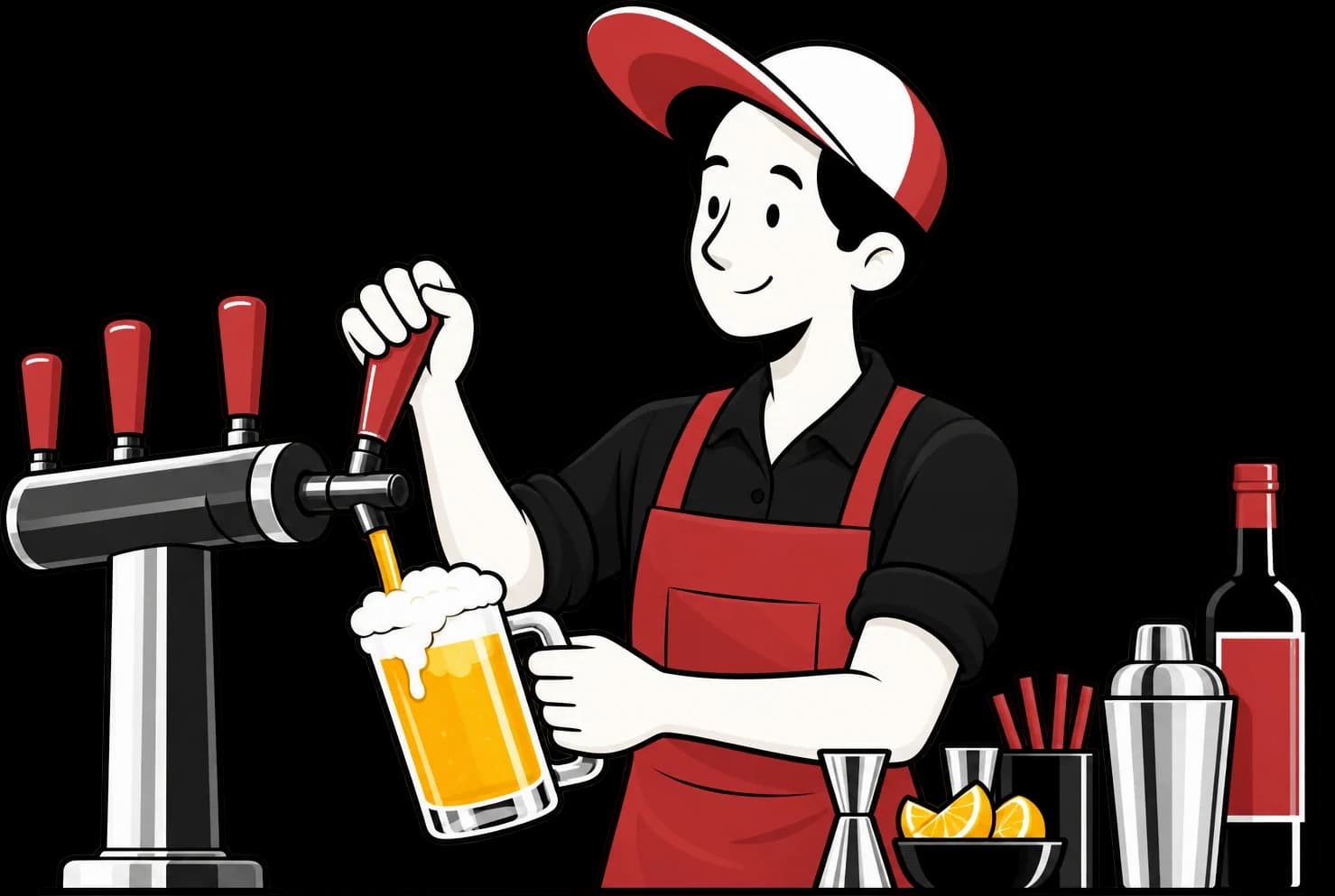
Bar & Lounge POS features
Everything a bar counter needs
Peg & bottle pricing
Set 30 ml, 60 ml and bottle prices for every drink.
Bar KOT
Route drink orders to the bar station and food to the kitchen.
Happy hours
Time-based pricing that switches on and off on its own.
Captain App
Waiters take orders at the table on their phone.
Split & merge bills
Split a table's bill or merge tables for groups.
Stock & wastage
Track bottles, mixers and spillage.
What bar billing needs that a normal POS misses
A bar sells the same bottle in several ways. Set 30 ml, 60 ml and full bottle as variants of a drink, each with its own price, and the cashier simply picks one. Drink orders go to the bar and food orders go to the kitchen as separate KOTs, while the table stays on a single bill.
Happy hours are easy to get wrong by hand. Timed prices switch on and off on their own, so nobody has to remember to change them at seven o'clock. Captains can take rounds of orders at the table on a phone, and a group that wants to pay separately can have its bill split into parts.
Liquor is expensive and easy to lose track of. Stock tracking and wastage entries help you record bottles, mixers and spillage, and staff rights can require an MPIN before a complimentary bill goes through. Liquor is usually taxed differently from food, so check your tax rules for your state with your accountant when setting up.
- Peg and bottle prices on every drink
- Separate bar and kitchen KOTs
- MPIN control on complimentary bills