QSR POS
QSR POS to serve faster and bill faster.
A counter-first POS for quick service restaurants — tokens, combos and a kitchen display that keeps orders moving at the busiest hour.
- Quick billing
- Token numbers
- Combos & meals
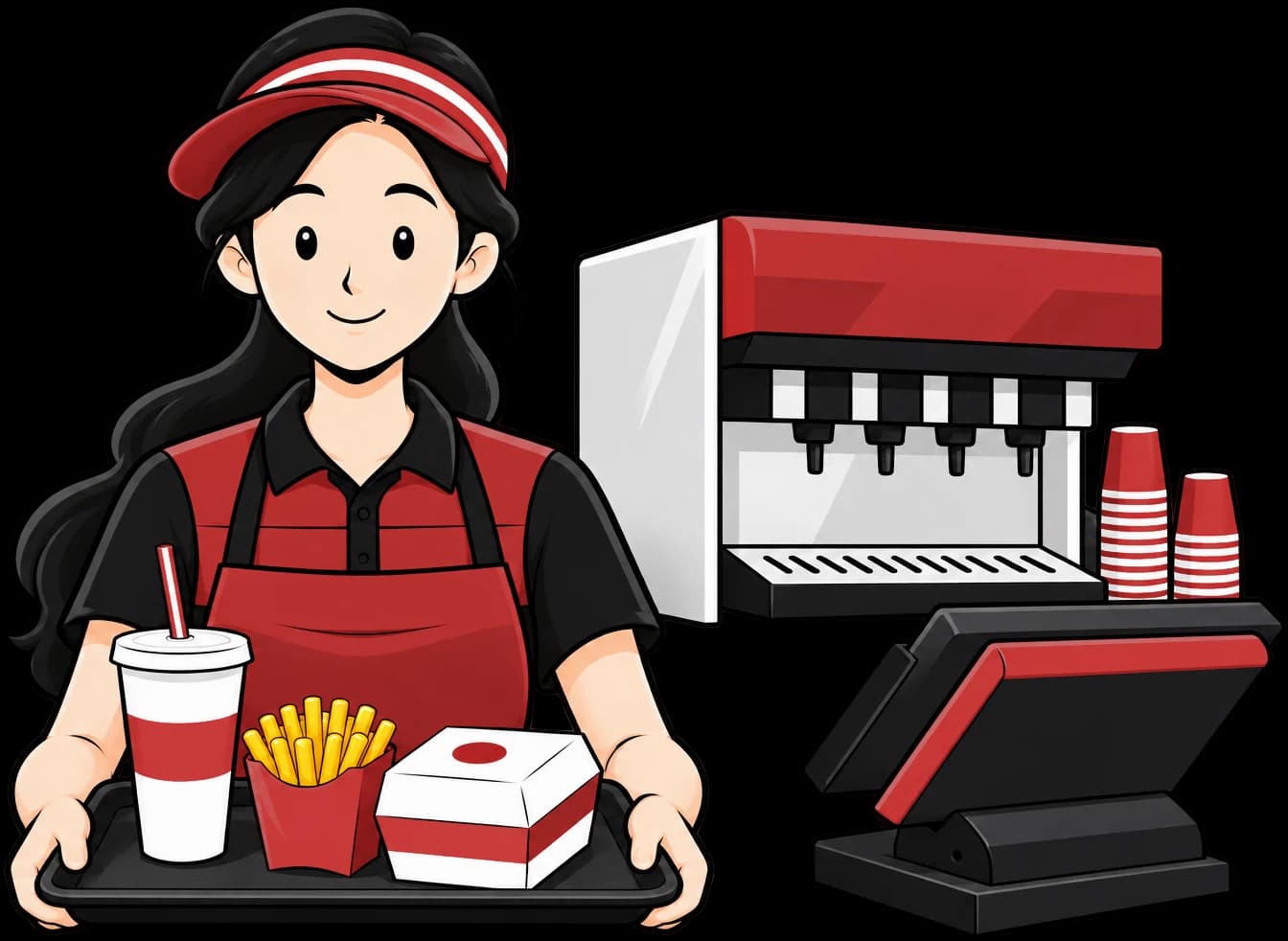
QSR POS features
Everything a quick service counter needs
Quick billing
Large buttons, favourites and combos for speed.
Token numbers
Generate tokens for pick-up on every bill.
Combos & meals
Build combos with choices and correct pricing.
Kitchen Display
Show orders to the kitchen in sequence.
Payments
Record cash, UPI and card, including split payments.
Multi-outlet control
Manage every outlet's menu and reports from one account.
What makes a POS fast enough for quick service
At a quick service counter, speed is measured in taps. Large item tiles, a favourites list and pre-built combos mean the cashier rarely has to search during the lunch peak. A combo sells as one item with its choices, and the price and kitchen items stay correct.
Every bill can carry a token number that starts fresh each day. Guests wait away from the counter, the kitchen works from its own KOT or screen, and you call the number when the food is ready. If you run more than one billing counter, each gets its own series, such as C1-1 and C2-1, so bill numbers never clash.
Quick service brands tend to grow into several outlets. Menus and reports for every location can be managed from one account, and the Kitchen Display System replaces printed tickets when paper starts slowing the line down.
- Favourites and combos for one-tap billing
- Daily token numbers with print for guests
- Separate bill series for each counter