Food Court POS
Food court POS for every stall in the hall.
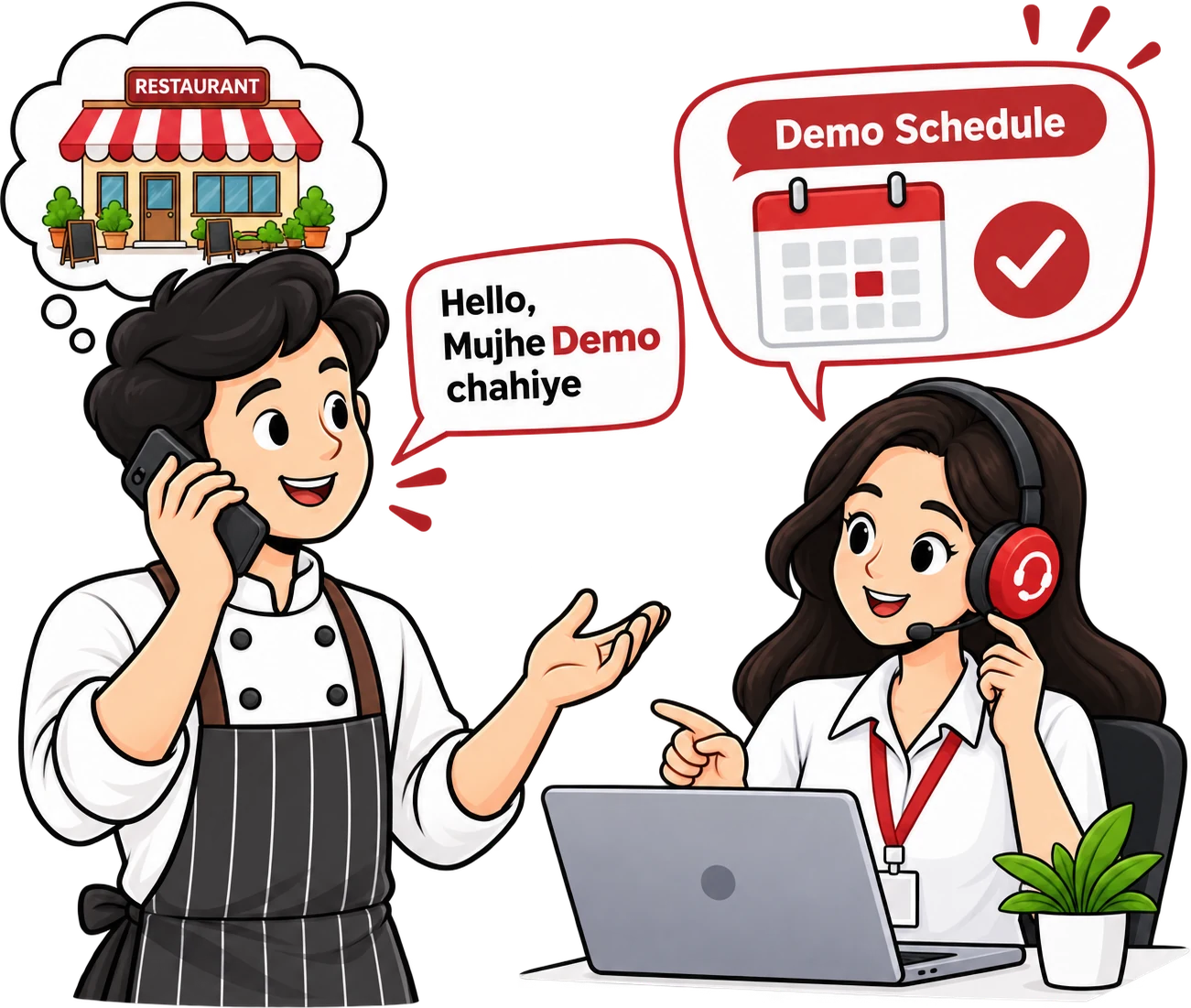
Run each food court stall on its own counter with tokens, a kitchen display and its own bill series — and see every stall's sales from one account.
- Token billing
- Counter-wise bill series
- Stall-wise reports
Food Court POS features
Everything a food court stall needs
Token billing
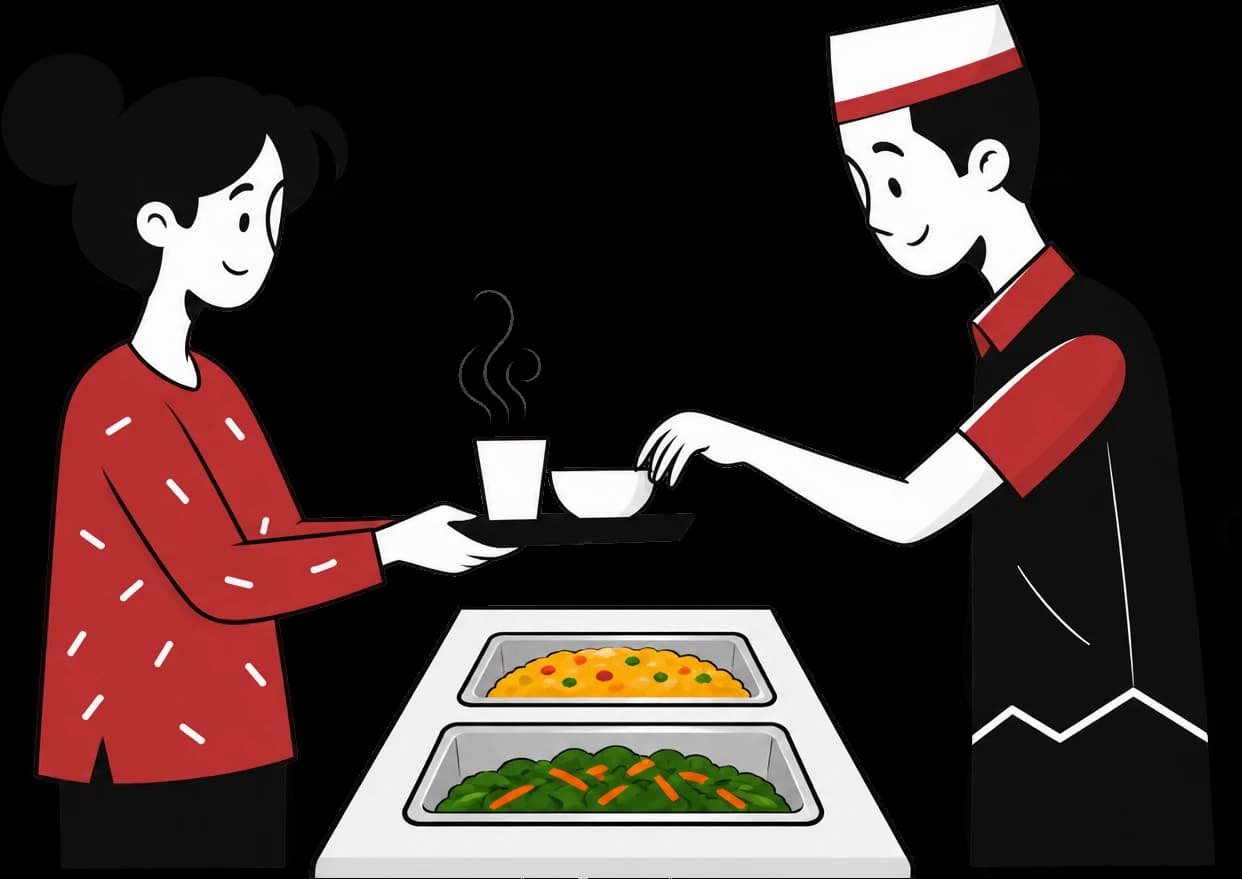
A token on every bill for quick pick-up at the stall.
Counter-wise bill series
Each counter gets its own bill numbers (C1-1, C2-1).
Kitchen-wise KOT
Orders print or show at the right kitchen for each stall.
Kitchen & customer display
Kitchen Display for the cooks, a second screen for guests to see their order.
Fast payments
Cash, UPI and card, including split payments.
Every stall in one account
Run each stall as its own outlet and manage menus and reports together.
Setting up billing for food court stalls
A food court stall has very little room and very little patience for slow software. Space for one small counter, one or two cooks and a crowd that arrives all at once during a mall's weekend rush. Token billing suits this well: the guest pays, takes a token and steps aside, and the stall keeps moving.
Each counter has its own bill series, so numbering stays clean when one stall has two billing points. Orders print or appear at the right kitchen, and a second screen can show guests their order, which cuts down on people asking what is taking so long.
If one owner runs several stalls, each can be set up as its own outlet with its own menu, while sales for all of them are visible from a single account. If a stall has no space for a computer, token billing also runs from the Bhojpe mobile app with a Bluetooth or LAN printer.
- Tokens on every bill for quick pick-up
- Customer display on a second screen
- Stall-wise sales from one owner account