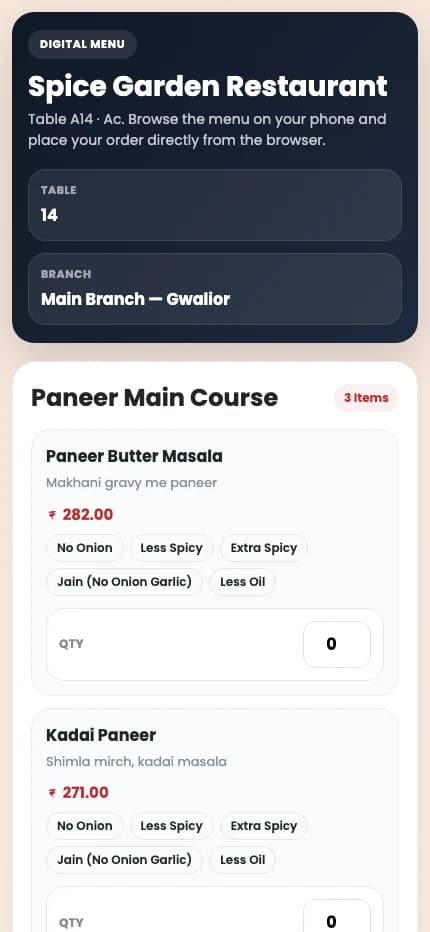
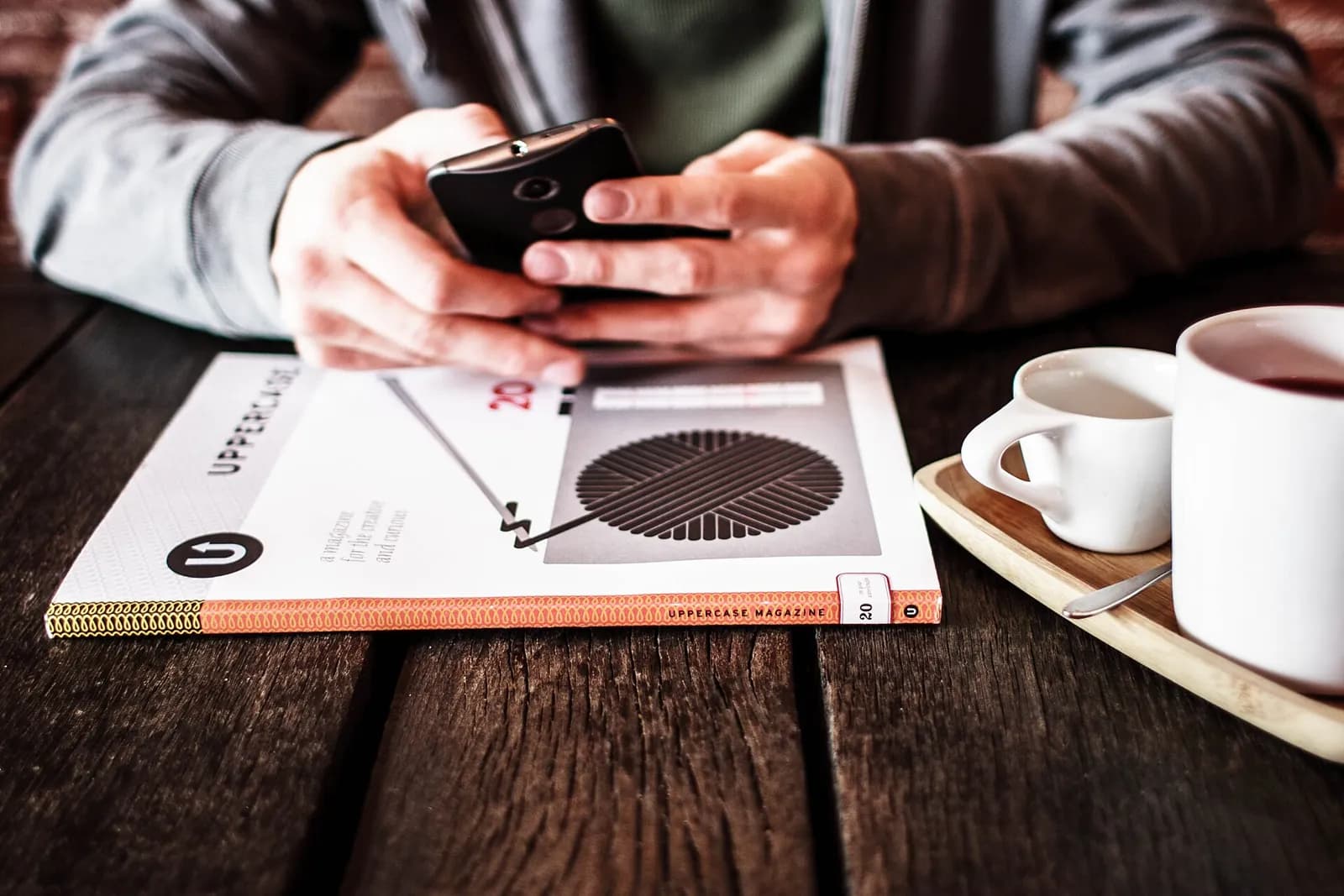
QR code ordering lets a guest scan a code on the table, see the menu on their own phone and place an order without waiting for a captain. Done well, it speeds up the first order and the second round. Done badly, it leaves your guests squinting at a PDF with nobody around to help.
QR menu or QR ordering: know the difference
A QR menu only displays dishes, often as a PDF or image. QR ordering sends the guest's order into your system, tagged to the table, and on to the kitchen. Only the second one reduces work on the floor, and it depends on the QR menu being connected to your POS.
What you need to start
- A separate QR code for every table, so orders arrive tagged to the right table
- Your menu in the POS with clear names, categories and prices
- Good photos of your best sellers, since these influence what people order
- A way for the kitchen to receive the orders, through a KOT printer or a kitchen display
- Working mobile data or guest WiFi across your whole seating area
Mistakes that put guests off
- Forcing guests to download an app or enter details before they can see the menu
- A PDF menu that needs pinching and zooming on a phone
- Showing dishes that have run out, then cancelling them after the order is placed
- Removing staff from the floor completely, leaving nobody to answer questions
- Printing QR codes so small, or placing them so badly, that phones cannot read them
Rolling it out without upsetting regulars
Treat QR as an option, not a replacement. Some guests will always prefer talking to a person, especially older regulars and large family groups. Start with a few tables, keep captains on the floor and watch where people get stuck. Ask captains to mention it when seating a table rather than expecting guests to discover the code.
Make sure a guest can always catch someone's eye, even when ordering by phone. Checking orders that come from QR before they are cooked for the first few weeks also helps you catch any confusion early.
What to watch after launch
- The share of orders placed by QR, table by table
- Whether second-round orders go up, since these are usually the real gain
- Dishes guests ask about repeatedly, which suggests the description or photo needs work
How it works in Bhojpe
Bhojpe's table QR menu opens in the phone's browser with no app, uses the same menu as your POS and hides any item you switch off. Each table has its own code, so orders arrive tagged to the right table. Table QR is part of the Growth and Scale plans, or can be added to any plan.