Restaurant billing software, often called a restaurant POS, is the system your counter uses to take orders, send them to the kitchen, apply tax and close the bill. A simple one replaces a calculator and a bill book. A good one also tells you at night what sold, who collected what and how much stock should be left.
This guide covers what such software should do for an Indian restaurant, what to add as you grow, and how to work out what you will actually pay.
What every restaurant needs from day one
Whatever the size of your outlet, these basics should not be treated as optional extras:
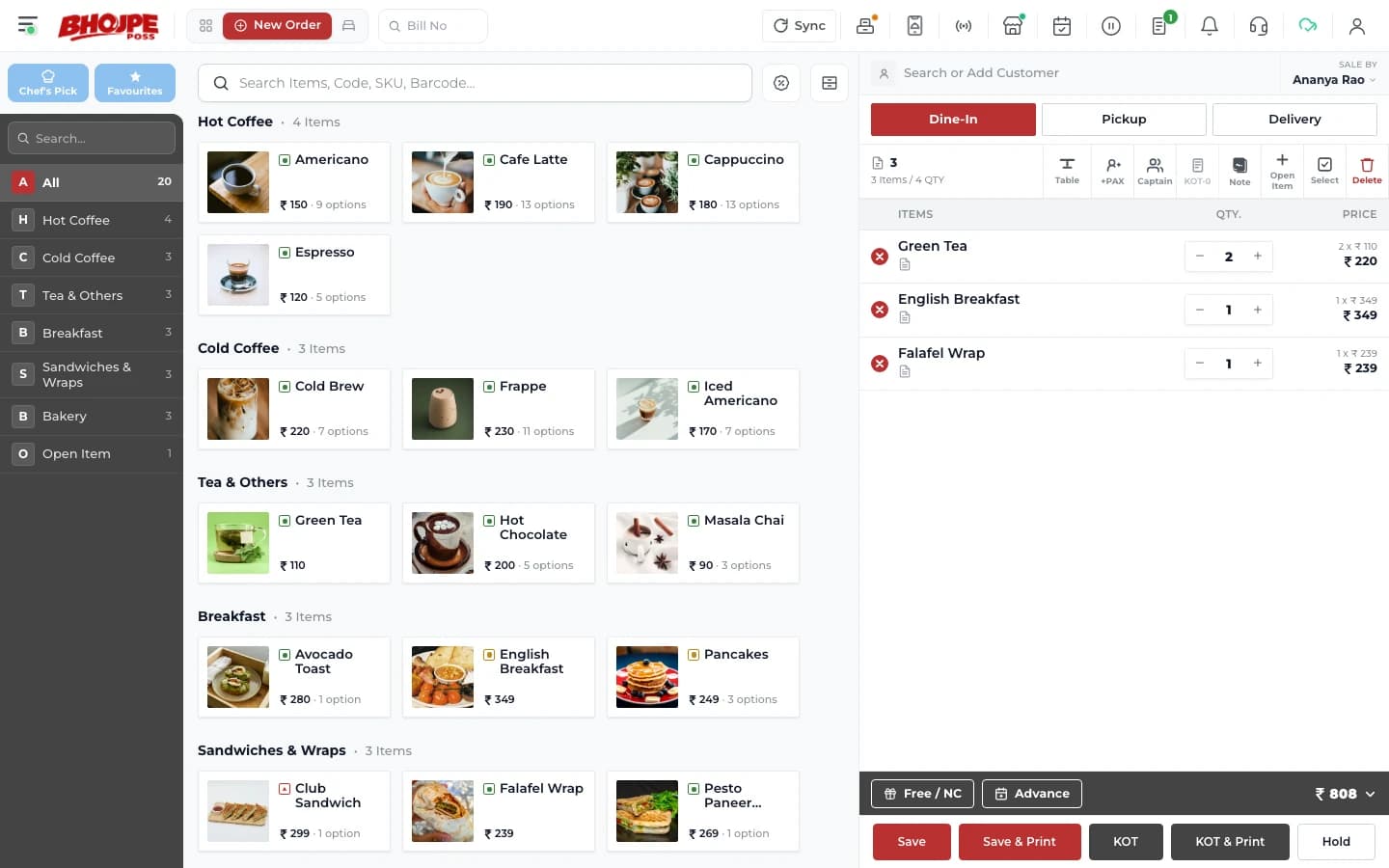
- Correct GST on every bill, with the tax rules set once rather than worked out by the cashier
- KOT printing, so orders reach the kitchen without being shouted or handwritten. If this is new to you, read what a KOT is
- Cash, UPI and card on the same bill, because guests often split a payment
- Dine-in, takeaway and delivery, with each order type shown separately in reports
- Staff rights, so not everyone can delete a bill or give a discount
- Billing that continues when the internet drops, then syncs later
The last point deserves real testing. Ask the vendor to turn off the internet during the demo and bill a table. A shop that stops billing on a Saturday night when the connection fails has a far bigger problem than a slow report.
What to add as you grow
When you have waiters
A captain app lets waiters take orders on a phone at the table. It usually pays for itself through fewer trips to the counter and no handwriting errors.
When the kitchen gets busy
Station-wise KOTs send each item to the right kitchen. Once paper starts getting lost or piling up, a kitchen display system can replace it with a screen.
When margins start to worry you
Inventory and recipe costing connect what you sell to what you buy. This is usually the point at which software starts paying for itself, because it shows where the money is leaking.
When you open a second outlet
One owner login across branches, with separate menus and stock for each, saves you from running two disconnected systems and adding them up in a spreadsheet.
How to compare the real cost
Comparing the headline price alone will mislead you. Before you decide, ask each vendor to put these in writing:
- The yearly price, and whether GST is included in that number
- Whether setup, menu entry and staff training are charged separately
- Which modules are included and which are add-ons, with the price of each
- What you pay for a second outlet, a second counter or an extra device
- What support is included after go-live, and at what hours
- Whether you can export your data if you decide to leave
Add up the cost for the setup you will need a year from now, not just today. A cheap base plan can become expensive once the modules you actually use are added.
What Bhojpe costs
Since you are comparing, here are our own numbers. Bhojpe POS is ₹12,000 a year, Growth is ₹20,000 a year and Scale is ₹30,000 a year, all before 18% GST. Modules such as Captain App or Inventory can also be added individually. The full list is on our pricing page.
Test it with your own menu
A demo on a sample menu proves very little. Take your ten most complicated orders, such as half and full portions, a combo, a discount and a split bill, and ask to see each one billed. If your cashier could follow along, you have found a system your team can actually use. For more questions to ask, see our POS checklist for owners.